


 Convert JPG to TEXT online
Free online OCR tool for converting JPG and other images to TEXT
Powered by Aspose.com and Aspose.cloud


 EN
Convert JPG to TEXT online
EN
Convert JPG to TEXT onlinePowered by Aspose.com and Aspose.cloud
We have already processed 0 files with a total size of 0 MB
OCR JPG To TEXT Converter is a free app to perform online OCR on images and documents you upload. Convert your image files to TEXT that you can edit without installation, completely free on any OS and platform. OCR App allows easily extracting text on various languages from images in popular formats: JPG. Image to TEXT converter works with any text fonts, styles, and page layouts. Aspose OCR software uses automatic document layout detection and skew correction, providing you the best recognition results.
OCR, or Optical Character Recognition, transforms text in document images into editable, searchable text, making it ideal for digitizing a wide range of documents such as invoices, receipts, mail, business cards, and books.
This free app provided by Aspose OCR

Step 1
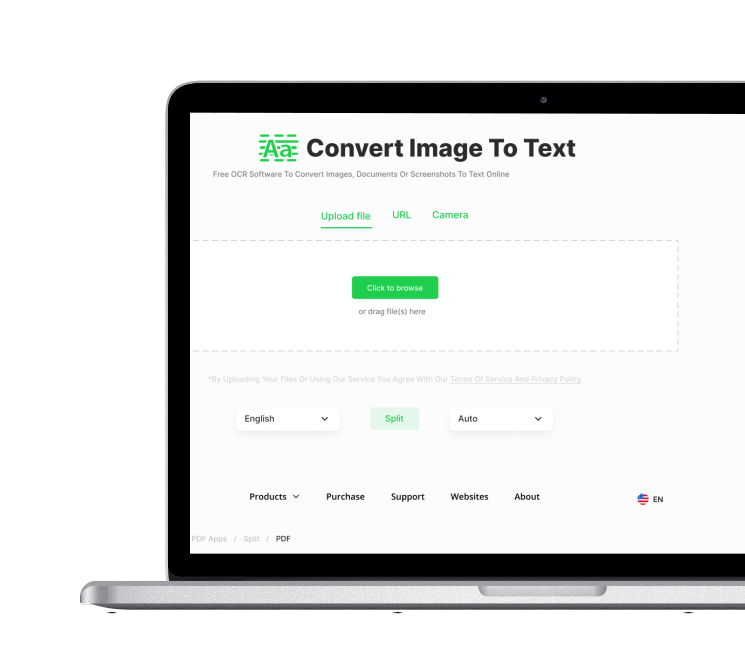
Click inside the file drop area to upload JPG file or drag & drop JPG file.

Step 2
Click the "Scan Image" button to start OCR process.

Step 3
Wait until the recognition result displayed.

Step 4
Click the "Download" button to download the OCR results or simply copy them to the clipboard.
Convert JPG to TEXT with OCR software: Click inside the file drop area to upload JPG file or drag & drop JPG file. Click the Scan "Scan Image" to start the OCR process. Recognition results will be displayed and can be copied.
Our OCR apps are absolutely free. Feel free to use it as much as you want.
With OCR Scan Image app you can copy recognized TEXT or save it. OCR to PDF app provides results in Searchable PDF format.
Upload your JPG file. Click "Scan Image" Get TEXT.
OCR Recognize works online and does not require any software installation.
Click inside the file drop area to upload JPG file or drag & drop JPG file. Click the "Scan Image" button to start the OCR process. Wait until the recognition result displayed.

Fast and Easy Perform OCR
Upload your JPG and click on “Start OCR” button to convert JPG to text. You will get the text as soon as the OCR is performed.

Perform OCR from Anywhere
It works from all platforms including Windows, Mac, Android and iOS. All files are processed on our servers. No plugin, software installation or hardware resources required for you.

High recognition quality
All files are processed using Aspose APIs, which are being used by many Fortune 100 companies across 114 countries.

Automated document layout detection
You don’t need to worry about manually setting the location of text regions. Our automated document layout detection algorithm works automatically.

Advanced skew correction and image improvement
OCR can successfully read poor quality scans and make auto image pre-processing to correct low resolution, low contrast, noise and skew.

High speed with no resources
Don’t worry about hardware, all the computational operations are done at our side. We use high-reliable and high-performance GPU-based servers to host our core, built on cutting edge fast neural networks.


